Build your own Minecraft parkour map
Parkour Masters is a map builder inside Minecraft: build a parkour map in game, test it, and publish it for every player on the server, on Java and Bedrock alike. Nothing to install: 3,658 maps are published so far, every one built by a player. New here? Join the server first: play.parkour.gg.
Build and publish
- Type
/fp maps, create a new map and pick a world to start from, such as Greenland, Netherland, Floor is lava or an empty void (every world but Void Admin, which is for staff). - Place pressure plates and set them with the Map Tool: right-click a plate to make it the start, a checkpoint or the end (sneak-click switches between them; on Bedrock, tap the air and choose). The end can be a bell.
- With the Edit parkour info item, give it a name, a description, an icon, tags and a preview point.
- Finish a test run from the start (most changes after it need a new one). To publish, a map needs that test run, a start, an end, at least one checkpoint, a name, a description, a preview point and enough tags.
- Choose Publish map in the same menu. It goes live at once, with no review, and usually shows up here within half an hour.
To change a published map, click it in /fp maps (most changes need a new test run). On your map, /fp trust <player> lets a friend build with you. Maps rated very low, or reported by several players, are taken offline.
A rank raises your limits: how many maps you keep at once, and how many checkpoints, tags and portals each map can have. More map slots can also be bought with Parkour Shards.
Ability blocks and the Tool Bag
In build mode, the Tool Bag holds blocks that do something to the players who run your map. Each one needs its own permission to place, so your rank decides which you can use. Place one like any block; sneak-click it in your hand to change its settings (its strength or how long it lasts, and its cooldown). See the maps their builders tagged #ability_blocks (123).
- Speed Walking on it gives the Speed effect.
- Bounce Walking on it gives Jump Boost.
- Climb Walk against a row of them to climb it.
- Launch Walking on it launches you into the air.
- Repulse Walking near it throws you the other way.
- Levitate Walking on it gives Levitation.
- Dash Walking on it dashes you the way you're looking.
- Slow fall Walking on it gives Slow Falling.
- Double jump Walking on it gives jumps to take in mid-air: press jump while airborne.
Two creatures too: a friendly shulker gives a high jump to a player who hits it with a mace, and a friendly breeze, when hit, bursts wind that launches the players near it.
The Tool Bag also has the WorldEdit tool, a wooden axe that marks a selection for WorldEdit: left-click one corner, right-click the other. FoxParkour lets WorldEdit change only a map you may build on. With them come a debug stick, barriers and light blocks.
Once it's published
Your map gets its own leaderboard, and players rate it from 1 to 10 and vote on how hard it is. The best rated maps lead Highest rated, and Map of the Day is picked from them. Publishing earns you XP, and in /fp maps you can feature your map with Parkour Shards so it's listed first for some days.
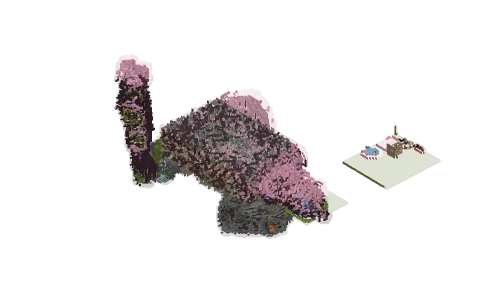
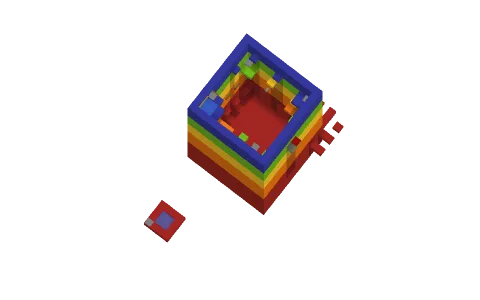
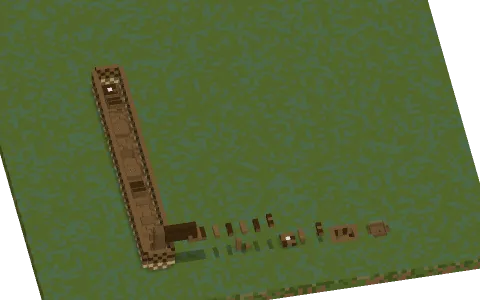
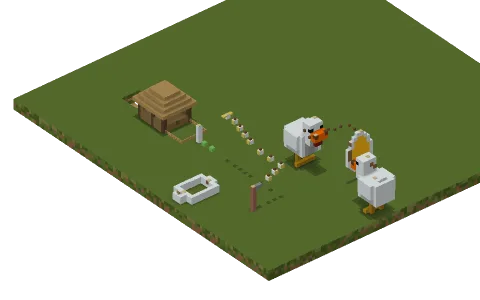
Here on the website, every published map gets a page of its own with its leaderboard and ratings, and a 3D view anyone can open in the browser once it's drawn. The Builders leaderboard ranks builders by how often their maps were finished.
Top builders
| # | Builder | Maps | Runs |
|---|---|---|---|
| 1 |  Tiger__blood Tiger__blood | 56 | 31,347 |
| 2 |  Sifox79 Sifox79 | 85 | 26,251 |
| 3 |  Edgarslaupitajs Edgarslaupitajs | 121 | 22,059 |
| 4 |  Hielke Hielke | 3 | 20,707 |
| 5 |  QuantumExpert QuantumExpert | 90 | 20,388 |
| 6 |  minatoyuukisan minatoyuukisan | 26 | 19,135 |
| 7 |  DarkSithOsNobs DarkSithOsNobs | 115 | 17,064 |
| 8 |  Kantaloupe Kantaloupe | 82 | 16,644 |
| 9 |  nfoert nfoert | 1 | 16,357 |
| 10 |  *MonsterNeo2020 *MonsterNeo2020 | 4 | 15,071 |